Table of Contents (click to expand)
Graphics cards live in the computer tower (the case or "cabinet"), not the monitor, because the case provides the airflow, power, and cooling a GPU needs and keeps it user-serviceable. Cramming a hot, dust-attracting GPU into a slim monitor would hurt cooling, portability, and repairability while offering almost no performance gain in return.
PC Building as a hobby has grown exponentially over the past few years. From being restricted to professionals to finding adopters of the practice among tech enthusiasts to becoming an almost mainstream hobby, PCs have come a very long way.
Now, instead of needing to go to an Authorized service center or your hobbyist cousin, all you need is a Phillips screwdriver and Internet access and voila! You’ve found a fix, an upgrade or whatever it is you’re looking for.
Building A PC
Right now, there are two types of GPUs: Integrated and Discrete.
Integrated GPU (IGPU)
Integrated GPUs are the graphics processors built into the CPU that runs your computer, sharing the same chip and the same system memory. They have gotten much better over time. The latest Intel Arc and AMD Radeon integrated graphics can comfortably handle many modern games at 1080p, though they still fall well short of a dedicated card for the most demanding titles.
Discrete GPU
These are separate graphics cards, with their own graphics processing chips and their own dedicated video memory, which slot into the motherboard inside the cabinet through a PCIe (Peripheral Component Interconnect Express) connector. The top PCIe x16 slot wires straight to the CPU, so the card still talks to the processor at full speed.
So, this brings us to the question: Could you actually cut out the CPU as the middleman, and install the GPU directly inside the monitor?
Now, we need to give credit where it’s due. It does seem like an excellent way to increase Frames Per Second (FPS) in whatever games you might want to play: connect the GPU directly to the monitor’s display port instead of connecting it via the CPU, and siphon off those precious few FPS, all the while reducing the amount of space occupied in your PC Cabinet. It seems like a win-win situation on paper. However, that’s the extent of it. It’s only practical on paper.
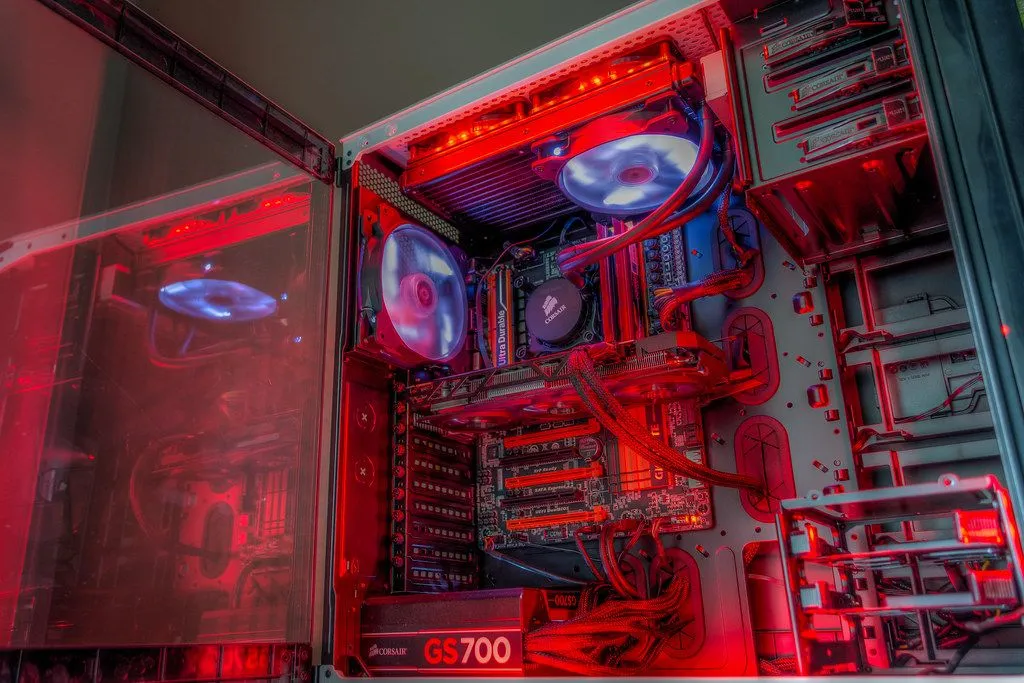
You see, a PC is not just a jumble of individual components with individual tasks assigned to them. A PC is a system of components working together to perform whatever task is thrown at it in the most optimal way possible. The optimal performance here doesn’t refer to mere speed; it refers to efficiency, durability, longevity, upgradability and comfort, along with speed.
Also, if you’re talking about most PC enthusiasts today, add aesthetics to that list. When building a PC, all of these factors come into play, even without delving into further technicalities.
If we were to look at a system with the GPU placed inside the monitor, the flaws would start to show right at the surface, even without getting into the technicalities.
Since the advent of the monitor, we’ve been making portable displays thinner, because the purpose of a display is just that: to display the output of the tasks the PC performs. A monitor isn’t supposed to be a PC itself. Its function is to suit the viewing comfort of the user, so it should be capable of being placed in whatever position the user deems fit.
If we fitted a GPU inside this monitor, its portability would be reduced, leaving it challenging to mount on a monitor arm or a wall mount.
Placing A GPU Inside A Monitor… Is It Practical?
However, one could argue that not all users need display portability. They are using a PC, after all. So, let’s set portability aside for a second and look at it from a technical point of view.
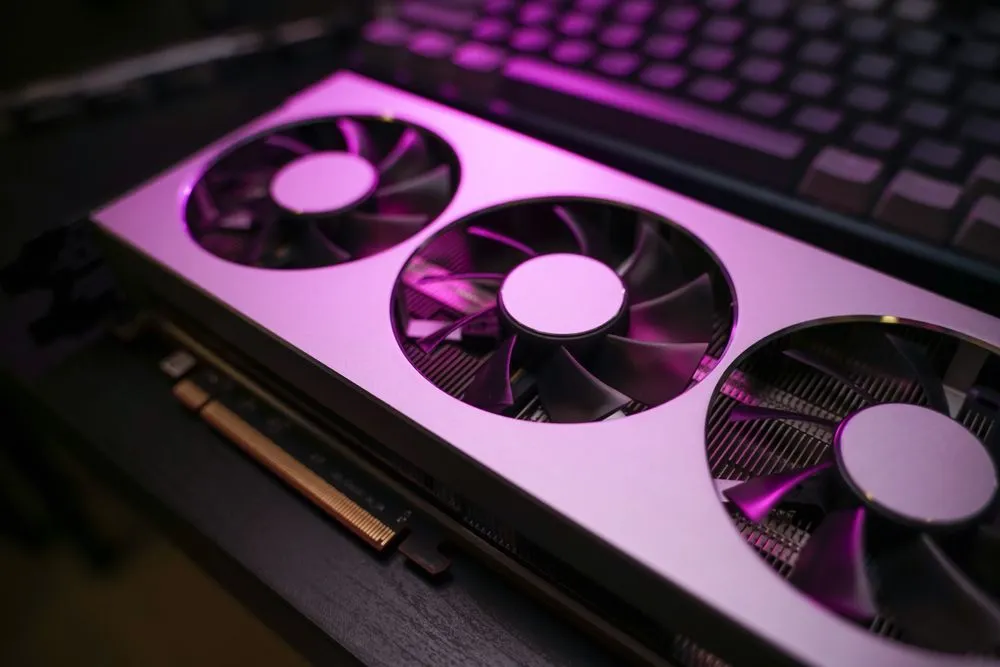
The two primary advantages that PCs offer over laptops are performance and upgradability. From a performance standpoint, one might think that, since we’re cutting out the intermediary (i.e., the computer tower or computer cabinet), we should see a performance boost.
That, however, is not the case.
If you look at a GPU, it carries its own heat sink (a finned block of aluminum or copper that pulls heat off the chip) topped with fans to blow that heat away. On a heavy workload, though, the card alone can’t move all that warm air out of the system. That’s why the case relies on multiple fans working together. One set in the front of the case draws cool air in, while another set at the rear pushes the hot air out. If your cabinet has vents at the top, fans should sit there too, acting as exhaust, since hot air rising off the GPU naturally heads upward.
This steady front-to-back flow of cool air across the components is what keeps the inside of a PC cabinet from cooking itself. Without it, the heat would cause PC components to deteriorate faster and drag down performance, since the GPU would have to throttle itself, trading speed for survival, just to keep its temperature in check.
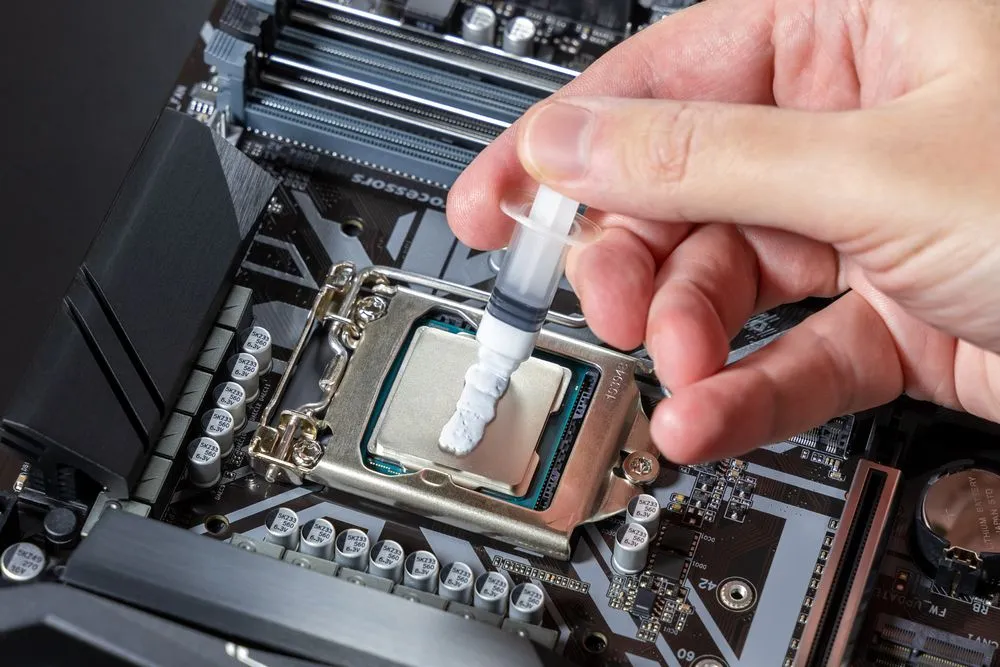
If we placed this GPU inside the monitor, the GPU would somehow need to be isolated from the display panel to prevent damage over time when temperatures run high. Furthermore, even if that were accomplished, we would still need to cut intake and exhaust vents into the monitor to move all that hot air out, and those same vents would let vast amounts of dust pour in.
Now, in a PC cabinet, this dust can be cleaned, since any user with a screwdriver can open up a PC. The same does not apply to a monitor, where the dust could wreak havoc.
Furthermore, another hindrance would be encountered when these components inside the monitor would need to be replaced, which would be very soon, owing to the factors mentioned above. The monitor would need its internal display cables replaced, since those aren’t built to withstand intensive heat.
Finally, an external display, such as a monitor, is not the same as a PC. It is not made for user customizability or repairability. The user would need to check it into an authorized service center or a hobbyist shop to get it fixed. This factor defeats one of the primary advantages that modern PCs offer: freedom for the user.
Bottom Line
While the major advantage of PCs is the customizability they offer users, this freedom only applies where performance isn’t traded off for the PC’s health. Each component of a PC has its own function, and only if we allow each of these components to function optimally can we utilize a PC to its fullest extent.
An external display, such as a monitor, is used merely to display the output that the PC provides. It’s the job of the PC to produce that output. There is no practical reason to place a GPU inside a monitor since all it does is negate the advantages that a PC provides in terms of performance, upgradability, and portability.
References (click to expand)
- What Is a GPU? Graphics Processing Units Defined. Intel Corporation
- Owens, J. D., Houston, M., Luebke, D., Green, S., Stone, J. E., & Phillips, J. C. (2008, May). GPU Computing. Proceedings of the IEEE. Institute of Electrical and Electronics Engineers (IEEE).
- Graphics processing unit (GPU) | Definition, Applications, History, & Facts. Encyclopaedia Britannica