Stephen Hawking used a speech-generating device (SGD) or a voice output communication aid to talk through ‘the computer’. This is a special device that either supplements or replaces speech/writing for people who have problems communicating in a traditional way.
Stephen Hawking, who passed away on 14 March 2018, remains one of the most recognizable scientists of the past century. However, even aliens might know a thing or two about him.
To give you a quick background, he was a British cosmologist and physicist, best known for his remarkable scientific contributions to the theoretical prediction of radiation emission from black holes (Hawking radiation), Penrose-Hawking theorems, the general theory of relativity, and quantum mechanics. He also authored A Brief History of Time, a popular bestseller discussing the Big Bang and black holes.
In this article, I will explain how he talked using a special device.
Amyotrophic Lateral Sclerosis (ALS): Disease That Affected Hawking
Apart from these accomplishments, there’s one more and rather unfortunate thing that he was commonly known for: he had amyotrophic lateral sclerosis (ALS). Also referred to as motor neuron disease in some countries, it involves the death of neurons in a patient’s brain. It results in muscle twitching and gradually deteriorating muscles, leading to difficulty swallowing, speaking, and eventually breathing.
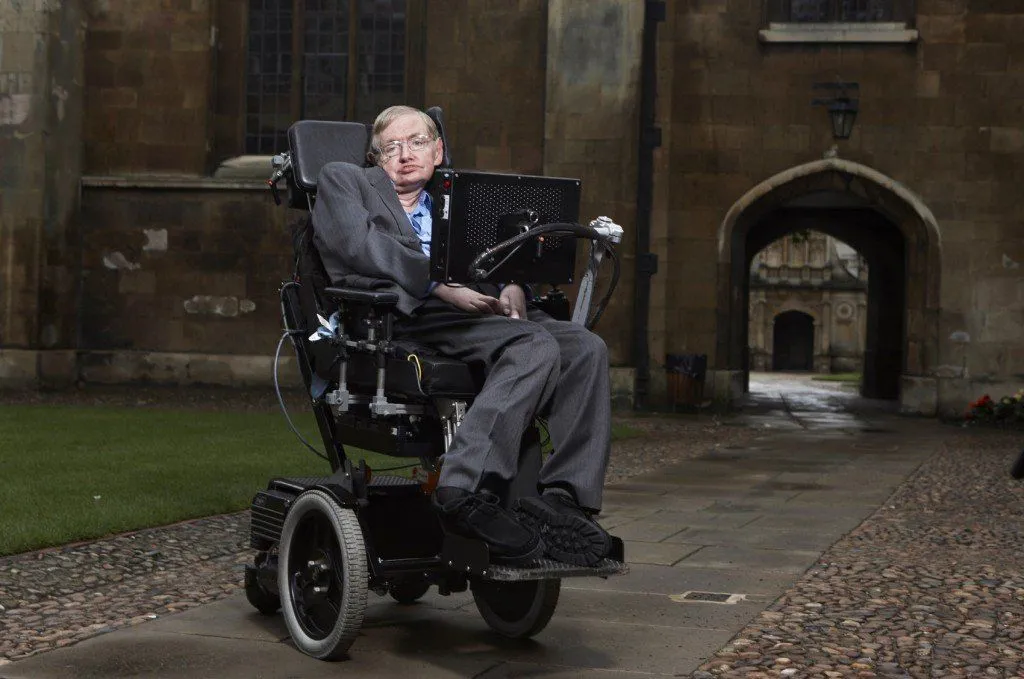
Stephen Hawking used various gadgets to give lectures and communicate with people, as he could not speak like most people due to his medical condition. You might have seen him in pictures or videos, sitting in a wheelchair with several machines attached.
Let’s take a closer look at these machines and how they helped Hawking share his knowledge and ideas with the world through his words.
Why Couldn’t Stephen Hawking Talk?
Here’s a detail that surprises a lot of people: it wasn’t ALS alone that took Hawking’s voice. In 1985, while visiting CERN in Switzerland, he caught a severe bout of pneumonia and was put on a ventilator. To save his life, doctors performed a tracheostomy, a procedure that creates an opening directly into the windpipe (trachea) low in the neck so that air can bypass the mouth and throat. As Hawking himself put it in his essay The Computer, “a tracheostomy takes away the ability to speak.”

Why does that opening silence a person? Ordinary speech works by pushing air up from the lungs through the larynx (the voice box), where two vocal folds vibrate to produce sound. A tracheostomy routes air in and out below the larynx, so very little of it ever reaches the vocal folds to set them vibrating. Layered on top of the muscle weakness that ALS had already caused, this left Hawking unable to produce intelligible speech at all.
For a while after the operation, his only option was painfully slow. As he later recalled, “the only way I could communicate was to spell out words, letter by letter, by raising my eyebrows when someone pointed to the right letter on a spelling card.” It was the hunt for something faster than that eyebrow-and-card routine that eventually led to the famous computer voice.
Hawking’s Speech-Generating Device
Stephen Hawking used a speech-generating device (SGD) or a voice output communication aid to communicate. This device is designed to supplement or replace speech and writing for people who have difficulty communicating in a traditional way.
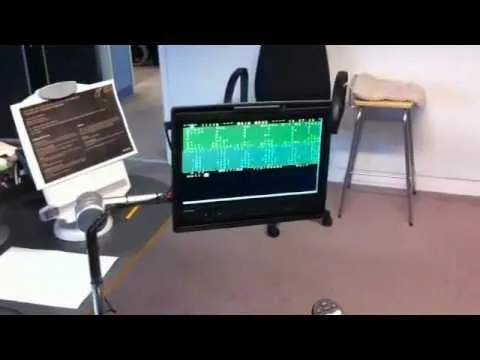
Since 1997, Hawking had been using a computer-based communication system made by Intel Corporation. The entire computer system was replaced every two years to accommodate his gradual loss of muscle control over time. Hawking also wrote a short post titled ‘The Computer,’ briefly discussing the tools that helped him communicate.
Intel has released Hawking’s speech system called Assistive Context-Aware Toolkit as open-source code for the general public to customize and improve the system to make it more suitable for a wider range of communicative disabilities.
Feeding The Information Into The Machine
Stephen Hawking’s communication system was made up of three major components. The most challenging element in his case was the input due to his lack of control over his muscles, which made it impossible to type out words or click buttons as he had been able to do when his condition was better initially. As a result, he needed a more sophisticated input method to feed information into the computer.
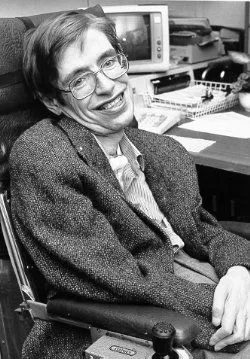
To solve this problem, an infrared switch was mounted on his spectacles, which could detect the slightest twitches or movements in his cheek. In the past, when his condition was better, he input information by pressing a clicker with his thumb.
However, as he eventually lost control of the nerves that controlled his thumb muscles, he had to use other input methods, hence the infrared switch that traced movements in his cheek.
Interface
The next part involved forming words using the input from the infrared switch. This interface is a program called EZ Keys, developed by Words Plus Inc. It provided a software keyboard that was displayed on a tablet computer and mounted on one arm of his wheelchair, which was powered by the wheelchair batteries.
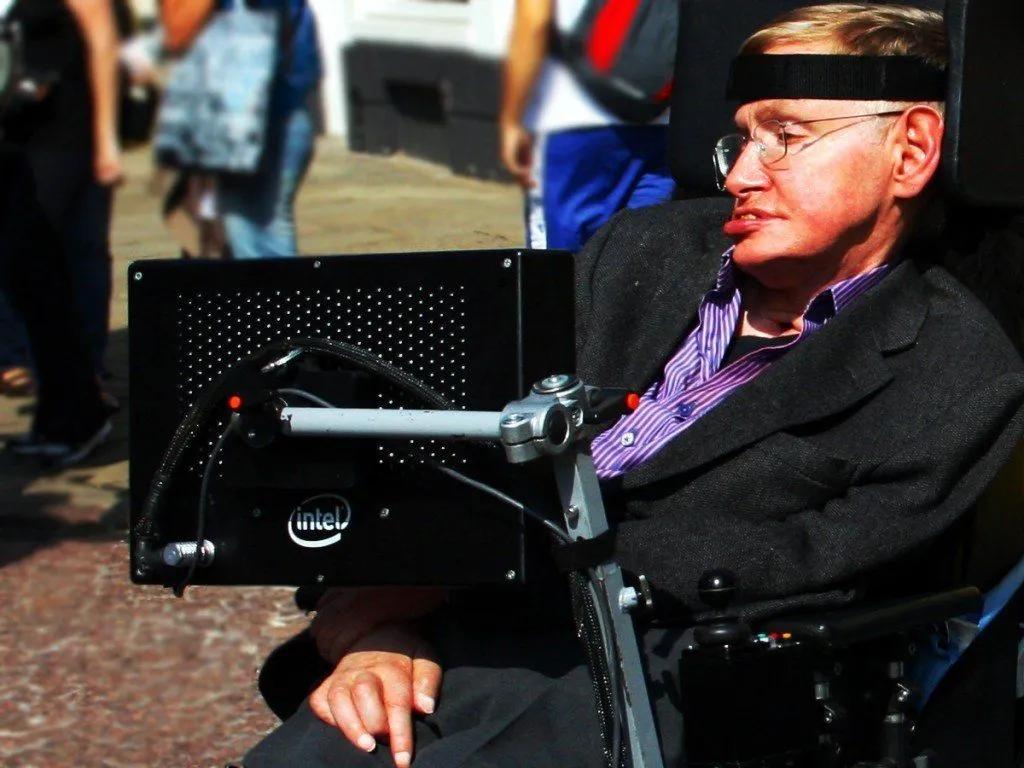
The software moved a cursor across the keyboard by either moving through columns or rows. When it reached the desired word, Hawking could stop it with a twitch of his cheek. Individual letters were selected in this way to form words and then sentences. Furthermore, EZ Keys also let him move the pointer in the Windows computer that he used.
To make things easier still, the software also included an auto-complete feature – very similar to what we have in smartphones and tablets – that predicts the word without requiring Hawking to complete the spelling of the entire word.
Output: Talking Out Loud
The final step, probably the easiest, involved speaking the entire sentence out loud. To accomplish this, Hawking used a speech synthesizer developed by Speech+ that would speak the sentence once it was approved or completed. However, it had a recognizable accent that was described as American, Scottish, or Scandinavian.
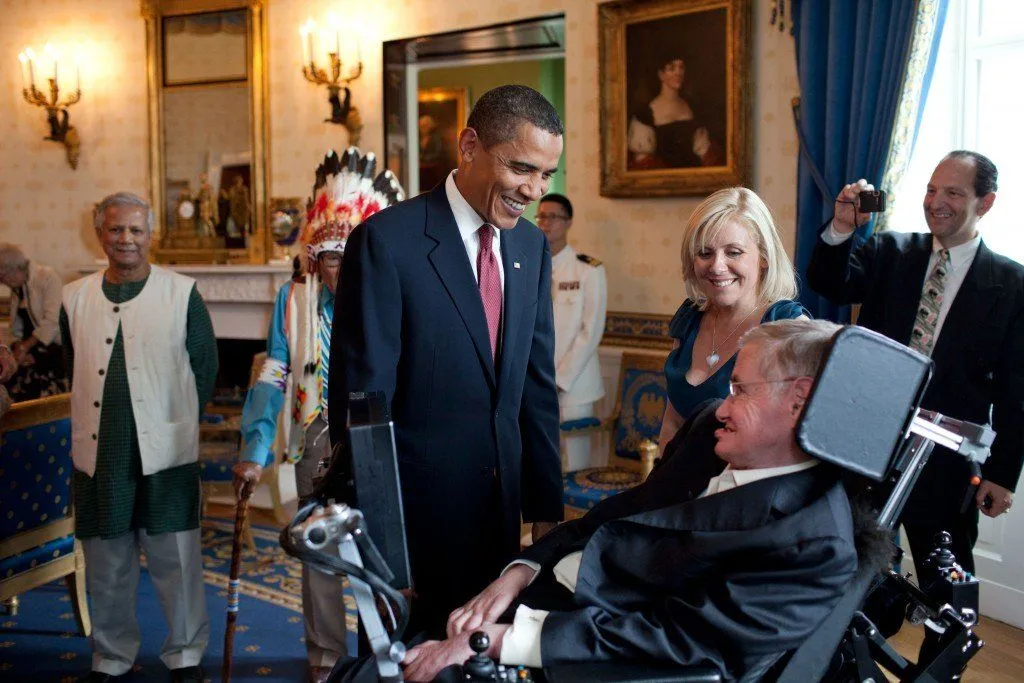
The machine allowed him to speak and perform various other tasks, such as checking his email, browsing the internet, making notes, and using Skype to chat with his friends. Intel had a dedicated team of engineers working on improving his communication system and expanding the range of tasks he could perform. Hawking could give lectures and interact with people with ease using this communication system.
Why Did Hawking’s Voice Sound Robotic, and Why He Never Changed It
That instantly recognizable, slightly metallic American accent wasn’t a deliberate stylistic choice; it was simply the only voice the early hardware had. The synthesizer Hawking adopted in the mid-1980s was a CallText 5010, built by a California company called Speech Plus. Its speech engine traced back to MITalk, the pioneering text-to-speech work of MIT researcher Dennis Klatt, the same lineage that produced the better-known DECtalk system. Klatt built one of its voices, nicknamed “Perfect Paul,” partly from recordings of his own voice, which is why the result carried an American inflection.
What makes the story remarkable is that Hawking refused to give it up. By 2014 the original 1980s electronics were failing and could no longer be sourced, so his team tried newer, smoother synthesizers. Hawking vetoed all of them; he had used that voice for decades, identified with it, and had never heard a replacement he liked better. To keep it alive, engineers reverse-engineered the old hardware and recreated the voice in software, so the sound that ranks among the most famous in modern science stayed exactly the same to the end of his life in 2018.
How Fast Could Stephen Hawking “Speak”?
Selecting words one cheek-twitch at a time is slow, and this was the real bottleneck in Hawking’s communication, far more than the synthesizer itself. In his stronger years he drove the system with a handheld clicker and could manage roughly 15 words per minute. As ALS progressed and he switched to the single cheek sensor, his output fell to around one or two words per minute, a figure attributed to Intel’s then chief technology officer, Justin Rattner.
To claw some of that speed back, Intel spent three years building a new interface called the Assistive Context-Aware Toolkit (ACAT), unveiled on 2 December 2014. It folded in predictive-text technology from SwiftKey, the same kind of next-word prediction found in smartphone keyboards, but trained on Hawking’s own books and writing so it could anticipate his phrasing. The payoff: Intel reported that he had to type fewer than 20 percent of the characters in a sentence, which roughly doubled his typing speed and made everyday tasks such as managing email and browsing the web up to ten times faster. Intel later released ACAT publicly under an open-source license (Apache 2.0), so that engineers anywhere could adapt it for others living with severe motor and speech impairments.
Last Updated By: Ashish Tiwari
References (click to expand)
- Myres, J. D. (2016, March 14). The Bit Player: Stephen Hawking and the Object Voice. Rhetoric Society Quarterly. Informa UK Limited.
- "ACAT 2.0: An AI Transformer-Based Approach to Predictive ....
- Denman, P., Nachman, L., & Prasad, S. (2016, August 15). Designing for "a" user. Proceedings of the 14th Participatory Design Conference: Short Papers, Interactive Exhibitions, Workshops - Volume 2. ACM.
- The Computer. Stephen Hawking (in his own words). The Stephen Hawking Estate.
- Bringing A New Voice to Genius: MITalk, the CallText 5010, and Stephen Hawking’s Wheelchair. Computer History Museum.
- New Intel-Created System Offers Professor Stephen Hawking Ability to Better Communicate with the World. Intel Corporation.
- Assistive Context-Aware Toolkit (ACAT). Intel Labs / GitHub.
- Intel, SwiftKey upgrade Stephen Hawking’s communication technology. PCWorld.