The primary reasons for a computer’s slowdown are abundant data stored on the hard drive, unnecessary software and outdated data, insufficient RAM, frequent software updates, and viruses.
A computer in its prime can perform an astounding number of operations and calculations in mere seconds. This allows you to multitask effortlessly, from checking your social media notifications to playing games, editing photos, and even solving complex math problems. The best part? Your computer does all this so quickly that you might not even realize the intricate algorithms it uses to arrive at these results before presenting them on your screen.
However, as you continue using your computer relentlessly, it becomes old and starts to slow down.
Let’s review a few common reasons computers slow down as they age.
Running Out Of Hard Disk Drive Space
As you pile more data onto your computer’s hard disk drive, it gets harder for the drive to find and read what you need. A nearly full drive also leaves little room for the temporary and swap files the system relies on to run smoothly. When you first get a new computer, there is very little data stored on it, so the drive has plenty of breathing room and can fetch any file quickly. In fact, performance often takes a real hit once the drive climbs past roughly 90% full.
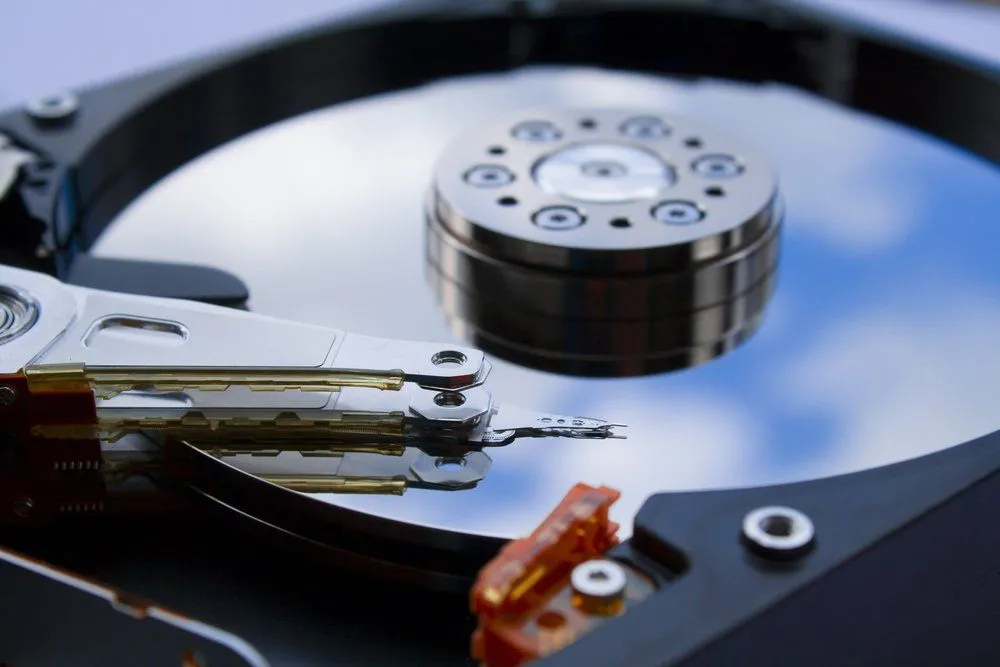
On a traditional spinning hard drive, the situation gets worse because files end up scattered, or fragmented, across the disk. The drive then has to hop between many separate locations to read a single file, which adds delay and slows the whole system down.
Unnecessary Software And Obsolete Data
When you find a good software program, you tend to download and install it on your computer. Over time, your interest in it may fade, and you stop using it. However, you often forget to remove the software that takes up valuable space on your hard drive, even though you no longer use it.
Insufficient RAM
Insufficient RAM can significantly slow down your computer’s performance. Even if you have a system with a large hard drive and the latest software, a lack of adequate RAM will cause your computer to slow down quickly. This is because RAM is responsible for running programs on your computer, and there must be enough RAM to ensure that your computer works fast.
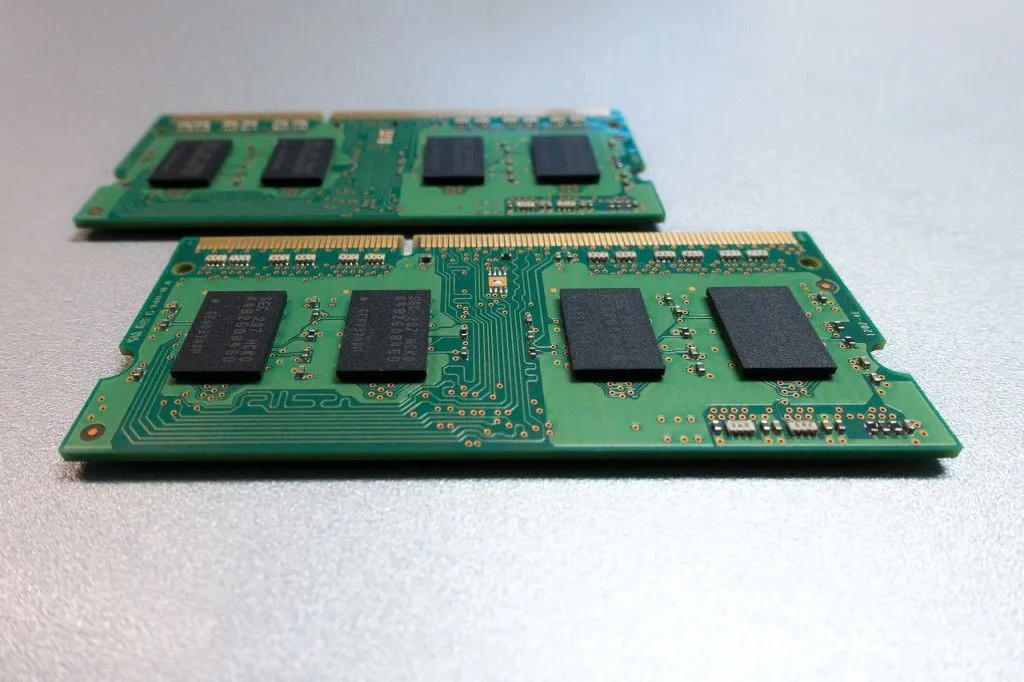
Adding more RAM usually helps a lot, but it isn’t a permanent fix. As you open more programs and browser tabs, you can still run out of free RAM. When that happens, the system falls back on “virtual memory,” shuffling data it can’t fit in RAM onto your drive in a swap (or page) file. Because even a fast SSD is far slower than RAM, this constant swapping back and forth drags performance down.
System Updates And Viruses
Constantly updating your software is good for your system, but software updates occupy a larger share of hard disk drive space than their previous versions. Also, don’t forget that viruses play a significant role in slowing your computer down. The bad thing about viruses is that they don’t have a certain time that they attack; virus attacks are totally random and unpredictable. The best way to guard against viruses is to get decent anti-malware software, which also takes up space on your hard disk drive, but it’s a necessary evil!
Spinning Hard Disk Drives
If your computer has one of those spinning hard disk drives (where a tiny read/write head skims over rotating magnetic platters to access data), it can slow down as it ages. The head has to physically move to wherever a file is stored, and as data becomes scattered and the drive’s mechanical parts wear, those movements take longer. The best fix is to replace it with a solid-state drive (SSD), or buy a computer that already has one. SSDs have no moving parts at all; they store data in flash memory chips and can reach any piece of it almost instantly, so they are far faster and more reliable. (One bonus: you should never run an old-style defragmentation on an SSD, since fragmentation doesn’t affect its speed and needless writes only wear it out.)
Problems With Windows OS
Some speed-related problems are commonly associated with Windows computers. Modern versions of Windows do handle a lot of housekeeping on their own; the built-in Optimize Drives tool runs on a weekly schedule, defragmenting spinning hard drives and sending the TRIM command to SSDs to keep them tidy. Even so, other clutter can pile up: leftover temporary files, registry entries from uninstalled programs, and a long list of apps set to launch at startup. As all of this accumulates, it eats into memory and processing time and gradually makes the computer feel slower.
Other less obvious factors include bugs in the operating system, faulty or failing memory, and the gradual wear of hardware over time. A separate issue worth a quick mention: a sudden jolt of static electricity from carpets or fabrics, or a power surge, won’t slowly “slow down” a computer, but it can outright damage internal components, so it’s still worth guarding against.
These are just some of the main reasons why a computer slows down over time. There are many other factors, too, depending on your usage habits and the maintenance your computer receives. You should ensure that you keep your system free of all unnecessary data that impedes its processing speed and clean its parts regularly to extend its lifespan.
Moreover, eventually, you’ll have to “get with the times” and invest in a new computer. It’s only a matter of time!
Last Updated By: Ashish Tiwari