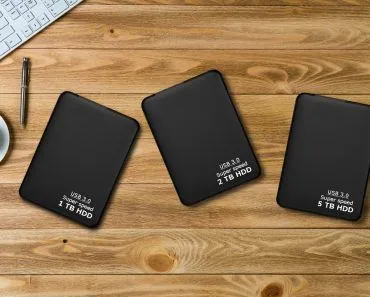
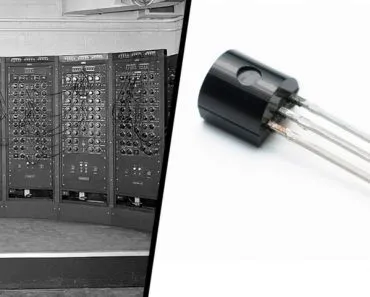
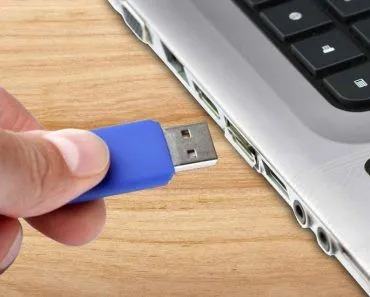
When a computer is switched off, the data in volatile memory like RAM is wiped clean, because RAM needs constant power to hold its contents. Non-volatile memory, such as ROM, hard drives, SSDs, and USB flash drives, keeps the data intact by storing it as magnetic patterns or trapped electric charges that survive without any power.
The primary purpose of memory, whether it be human or machine, is to keep a record of information for a specific period of time. One thing about human memory, however, in comparison to machine memory, is the ability of human memory to forget. This might sound like a drawback for us humans, but we must consider the fact that there are only so many things that we can possibly remember. Computers don’t forget or remember things the way we humans do. They store information in the form of binary code. This means they either know something or not (excluding the failure of hardware or the corruption of data). Now, let’s take a look at how a computer stores information in different types of memory.
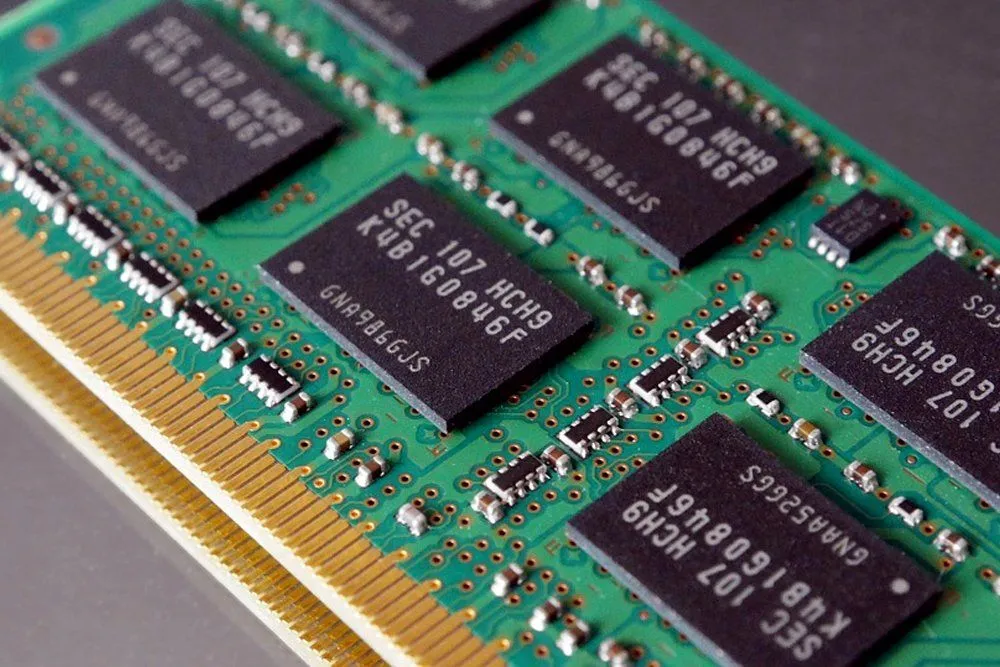
Behavior Of Memory When Power Is Turned Off
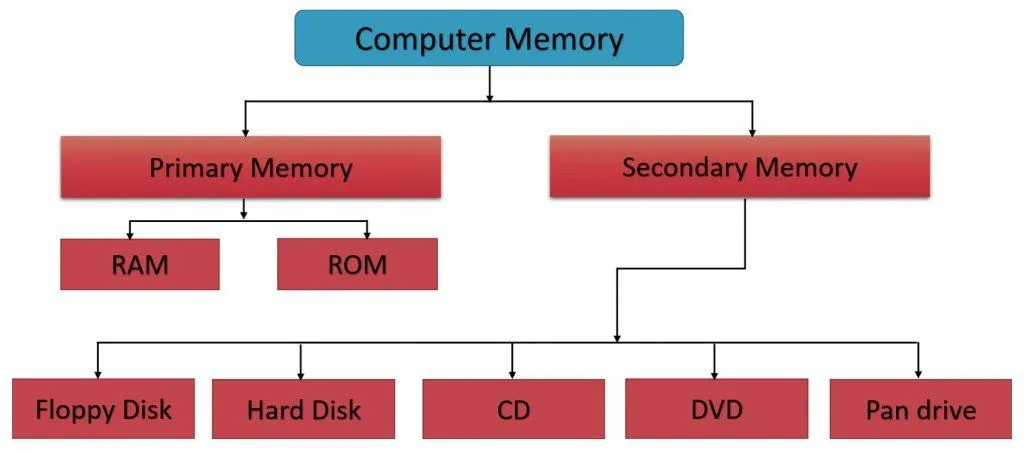
The fundamental similarity between human and computer memory is the fact that both have two types of memory. For humans, there are short-term memory and long-term memory. Short-term memories are activities you have recently seen that required processing. Long-term memory is composed of the facts we have learned, events we have experienced and things we need to remember for an extended period. Now, when it comes to computer memory, the first type of memory is built-in memory (or main memory). This memory is usually known to be volatile, which means that as soon as the power is turned off, the computer tends to forget this data stored in it. The kind of memory that is volatile is the RAM (Random Access Memory). This is where the secondary type of memory comes in, known as Auxiliary Memory. We can consider a hard drive to be a prime example of Auxiliary memory. This memory, unlike volatile memory, does not get erased when the power to the computer is turned off. Now, let’s take a look and try and understand how built-in RAM and hard drives work.
Internal Memory
When it comes to internal memory, there are two types: RAM (Random Access Memory) and ROM (Read Only Memory). RAM chips only keep things in their memory until the power is turned off. Therefore, it is used only for short-term memory storage. ROM chips, on the other hand, remember things whether or not the power is turned off. The ROM is programmed with a set of instructions that can only be read by the computer. In the factory, the ROM is used to store things like computer BIOS. The BIOS operates the fundamental systems’ programs, such as the input/output functions, computer screen, and keyboard.
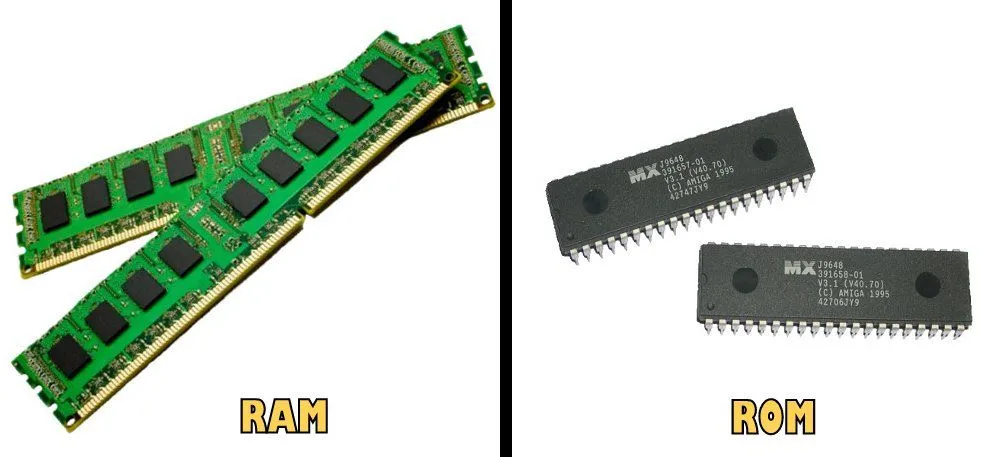
When it comes to RAM, there are two kinds, DRAM and SRAM. DRAM stands for Dynamic Random Access Memory, and SRAM stands for Static Random Access Memory. The DRAM is less expensive, in comparison to the SRAM. It has a higher density than SRAM, with respect to the amount of memory it can pack in the same size, so it’s used for most of the internal memory you find in PCs, games consoles, and similar devices. SRAM is faster and uses less power than DRAM and, given its greater cost and lower density, is more likely to be used in the smaller, temporary, “working memories” (caches) that form part of a computer’s internal or external memories. SRAM is widely used in cellphones, where power consumption is of prime importance.
When it comes to ROM, the two older kinds you may have heard of are EPROM and EEPROM (Electrically Erasable Programmable ROM). EEPROM can store data indefinitely and is erased by passing an electric current through it; EPROM, by contrast, had to be physically removed from its circuit and erased with a strong ultraviolet lamp, which is why it has largely disappeared from modern devices. Today, most of the non-volatile storage you actually deal with, including USB drives, SSDs, the eMMC chip in your phone, and the firmware in your router, is flash memory, a descendant of EEPROM. Flash stores each bit by trapping electrons in a tiny floating-gate transistor; the trapped charge stays put for years even when no power is supplied, which is why an SSD or USB stick still remembers your files after a long unplug.
Why Does RAM Forget When The Power Goes Off?
To see why RAM wipes itself the moment you cut the power, we have to zoom in on a single bit. In the most common type of RAM, DRAM (Dynamic RAM), every bit is stored in a cell made of just one transistor and one capacitor. The capacitor holds a tiny pool of electric charge: a full bucket counts as a 1, an empty one as a 0, and the transistor acts as a gate that lets the cell be read or written.

The problem is that a capacitor simply cannot hold onto its charge. As the technical literature on dynamic memory puts it, the electric charge on the capacitors gradually leaks away, and without help a stored bit would fade to nothing in a fraction of a second. To stop that from happening, the memory controller constantly reads every cell and immediately writes the value back at full strength, a bit of housekeeping called refresh. Under the JEDEC standard, each row of memory has to be refreshed at least once every 64 milliseconds, which means your RAM is being quietly rewritten many times every second just to keep remembering.
So even while the computer is running, DRAM only “remembers” because it is endlessly topped up. The instant the power stops, the refresh stops with it, the charges drain away in milliseconds, and the data is gone for good. That is exactly what engineers mean when they call RAM volatile. The faster SRAM (Static RAM) used in caches dodges the refresh by storing each bit in a latching flip-flop circuit instead of a leaky capacitor, but it is still volatile and forgets the moment power is removed. Flash memory, by contrast, locks its charge inside an insulated floating gate, which is why a USB stick keeps your files for years with no power at all.
Auxiliary Memory
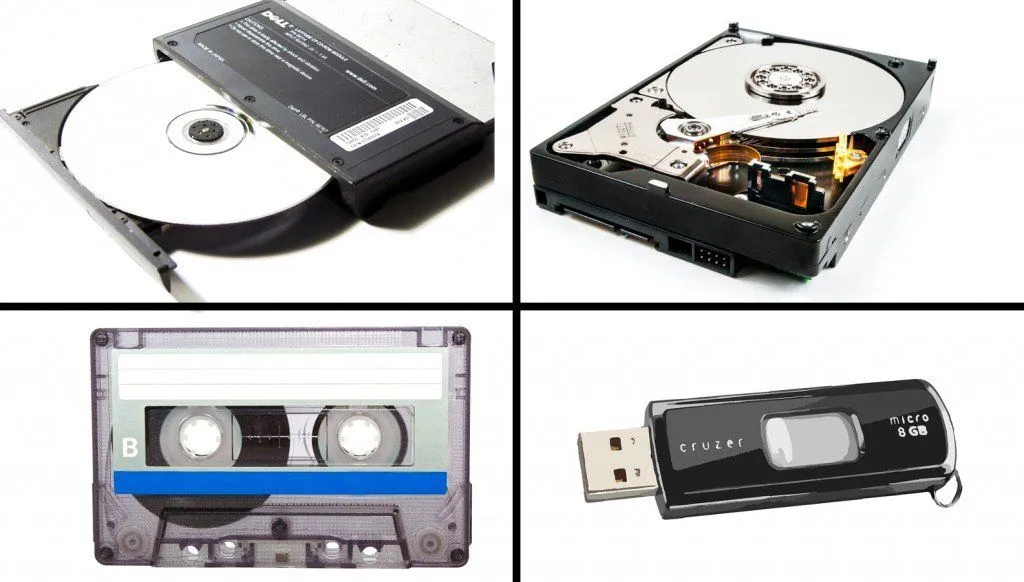
Auxiliary memories are all non-volatile, which means that even after the power is turned off, the memory is still intact. The most common kinds of auxiliary memory today are solid-state drives (SSDs), hard disk drives (HDDs), and USB flash drives, with optical media like CDs and DVDs occupying a much smaller share than they used to. Looking at the long, fascinating history of computer memory devices, the first widely used kind of auxiliary drive was actually the floppy disk, popular from the late ’70s to the mid-’90s. These were small, thin circles of plastic, coated with magnetic material, spinning inside durable plastic cases, which were gradually reduced in size from about 8 inches, through 5.25 inches, down to the final, most popular size of about 3.5 inches.
The next kind of memory devices were Zip Drives. Zip drives were similar to floppy disks, but stored much more information in a highly compressed form inside chunky cartridges. In the 1970s and 1980s, microcomputers (which are the ancestor of today’s computers) often stored information using cassette tapes, exactly like the ones people used back then for playing music. You might be surprised to hear that big computer departments still widely use tapes to back up data today, largely because this method is so simple and inexpensive. It doesn’t matter that tapes work slowly and sequentially when you’re using them for backups because generally, you want to copy and restore your data in a very systematic way, and time isn’t necessarily that critical.
Therefore, to conclude, different memory storage techniques work in different ways when the power is turned off; some wipe out the data stored in them, while others store them indefinitely!
Where Does Your Software Live When The Computer Is Off?
If RAM is blank every time the machine boots, a fair question is where your operating system and programs actually wait while the power is off. The answer is the non-volatile half of the story: your hard drive or SSD. Windows, macOS, your apps, and your files all sit safely on that drive while the computer is shut down, because flash and magnetic storage do not need power to remember.

The catch is what happens at startup. When you press the power button, the CPU has no software waiting in its main memory, so something has to load that software before anything can run. That job falls to the firmware, the BIOS or UEFI, a small program kept in non-volatile memory on the motherboard. It first runs a quick power-on self-test (POST) to check that the CPU, RAM, and storage are healthy, then hands off to a bootstrap loader that copies the operating system’s kernel from the drive into RAM.
Once the kernel is sitting in RAM, it takes over and pulls in the rest of the system. From then on, every program you open is copied from storage into RAM to actually run, simply because RAM is far quicker to read and write than any drive. And whenever you hit “save,” your work is written back to the non-volatile drive so it survives the next shutdown. That is the real handshake at the heart of this article: permanent storage remembers everything across reboots, while volatile RAM gives the processor the fast scratch space it needs to think.