Pausing a download closes the connection to the server while your computer remembers how many bytes already arrived. When you hit resume, the client sends an HTTP “Range” request asking only for the bytes that are still missing, and the server replies with status code 206 (Partial Content). The half-finished file is not corrupted; the new bytes are simply appended to it.
We’re living in the age of the information revolution, where data has gained the same importance once enjoyed by oil, electricity, and religion. Every aspect of life can be quantified into data in some form or another. Everything we do is either logged into a database by some authority for regulation or surrendered voluntarily by allowing the apps we use to access our information.
Data is also now much more accessible to the general public, whether in the form of information or multimedia files, such as video games, movies, or music. Video games, for instance, used to be a highly gate-kept form of entertainment. Available only to enthusiasts who could afford the games, along with systems that could run them, video games were an elite activity.

However, video games are now one of the most prevalent forms of entertainment. You can play them on your smartphones, laptops, or dedicated consoles. Additionally, since the internet is so widely accessible, there’s no shortage of ways to surpass paying for whatever you want to play. Piracy has been around for almost as long as the internet has been publicly accessible. Any user who knows how to access the domain of a pirated data host can download and use that data.
Data: Behind The Scenes
All data is stored on servers. A modern data server is a combination of two things:
- Hardware with enough storage and power to store the file in question and to transfer that file to whoever asks for it. This system is known as the host.
- Software that makes the host’s database available to other users as downloadable data, such as a website.
But the question here is: How do these downloads work? And, obviously, how are downloads paused?
To answer these questions, we will have to look at the concept of data and, specifically, how to download from a coding perspective.
How Do Computers Process Data?
All information is stored in a computer in the form of bits. A bit is the smallest unit of data that a computer can process and store; it is in the form of a binary digit. Its value can be either 0 or 1. This 0 or 1 can also be interpreted as a yes/no or a true/false, similar to a light’s on/off switch.
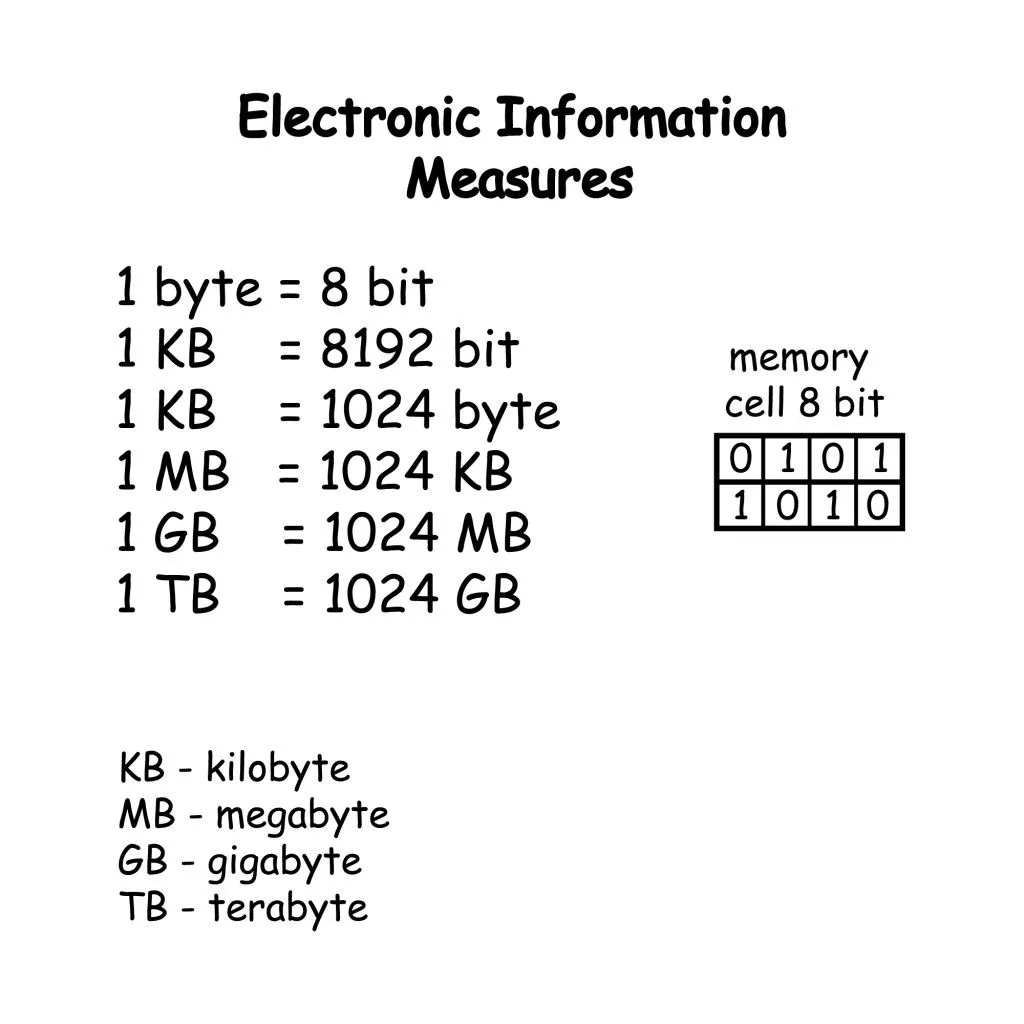
Now, 8 bits together make a byte. A byte is basically any data that is fed to a computer and translated into a language that the computer can process and store. These bytes can be stored in the computer in data structures, such as arrays, stacks, lists, etc., to help the computer process them more efficiently.
How Do Downloads Work?
A download, from a coding perspective, is nothing but a byte array. It is a collection of data stored in a computer that, along with its linked data, can form a game, a movie, a document, or anything that its creator made it to be. The process of downloading is nothing but a file transfer from the server to the client, which is the system downloading the file.
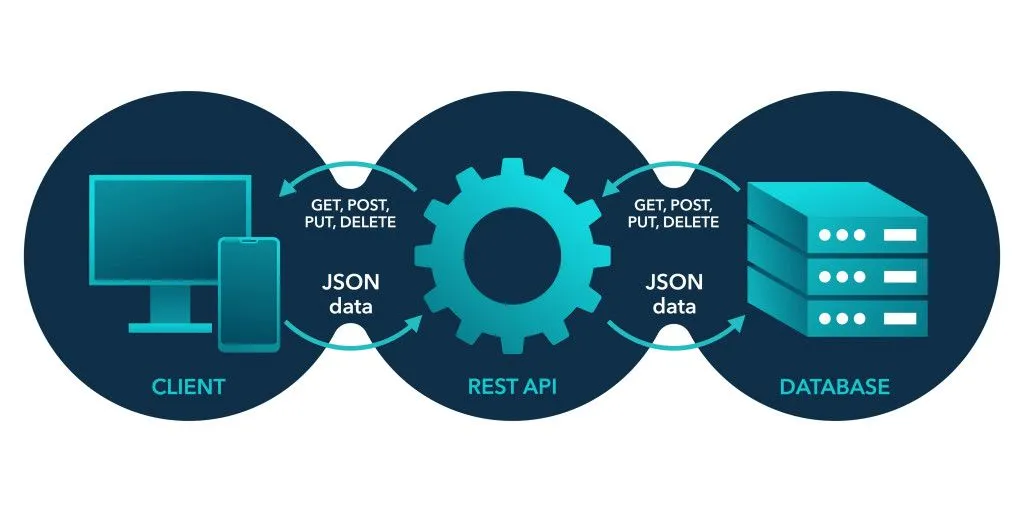
There are two primary protocols or methods to download a file:
- File Transfer Protocol (FTP): This is one of the original methods used to transfer files, such as images, movies, and software, and it runs on top of a protocol known as Transmission Control Protocol (TCP), which prioritizes reliability (every byte is acknowledged, retransmitted if lost, and delivered in order). I won’t delve further into explaining these protocols, as that is a deep rabbit hole you don’t need to explore to find the answer you’re seeking. A fun tidbit, however, is that User Datagram Protocol (UDP)[1] is a sibling of TCP rather than a newer version (UDP was actually standardized in 1980, a year before TCP). UDP trades TCP’s reliability for speed, which is why it powers live video calls, online games, and the QUIC protocol that newer HTTP/3 traffic runs on.
- HyperText Transfer Protocol (HTTP): This is the basis for the World Wide Web. Just as FTP is used for transferring files, HTTP is used for transferring web pages, and it defines how a web page will respond to any request. This is why most web addresses contain http:// or https:// at the start, since this defines the website’s protocol. HTTP/1.1 and HTTP/2 also run on TCP; HTTP/3, the newest version, runs on QUIC over UDP instead.
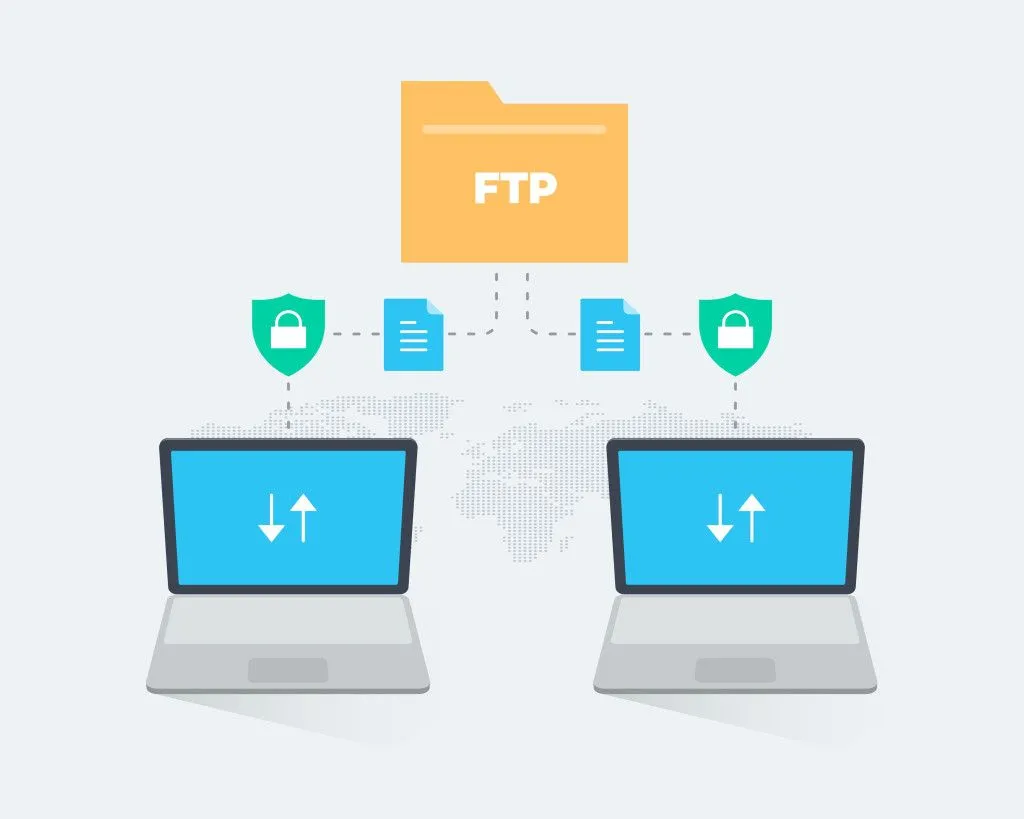
A request for a download is a simple ‘GET’[2] request. In either of these methods of downloading, when you request a download, you have to specify the destination folder for the download to be stored on your system, such as the “downloads” folder. Once the connection between your system and the host server is established, your computer assigns the space required by the file at that destination. The file is then transferred from the host server to your system, according to the speed and stability of your connection.
“Pausing” this download is just you terminating the connection between the host server and your system. Instead, you want to ask, “How does resuming downloads work?”
How Does Pausing Downloads Work?
HTTP supports a “Range” header (and FTP has an equivalent REST command), where your system can request only a specific part of the file. So, if you’ve paused the download at 4,000 out of 18,000 bytes, your system will request only the 4,001st to the 18,000th byte from the server when you resume.
Before doing that, your client typically checks whether the server still has the same file and supports resuming. It does this by sending a ‘HEAD’[3] request (a quicker form of a ‘GET’ request) that returns just the headers. If the response carries an Accept-Ranges: bytes header, the client knows it can ask for a range; the server then replies to the actual Range request with status code 206 (Partial Content), confirming that what follows is only the missing slice of the file.
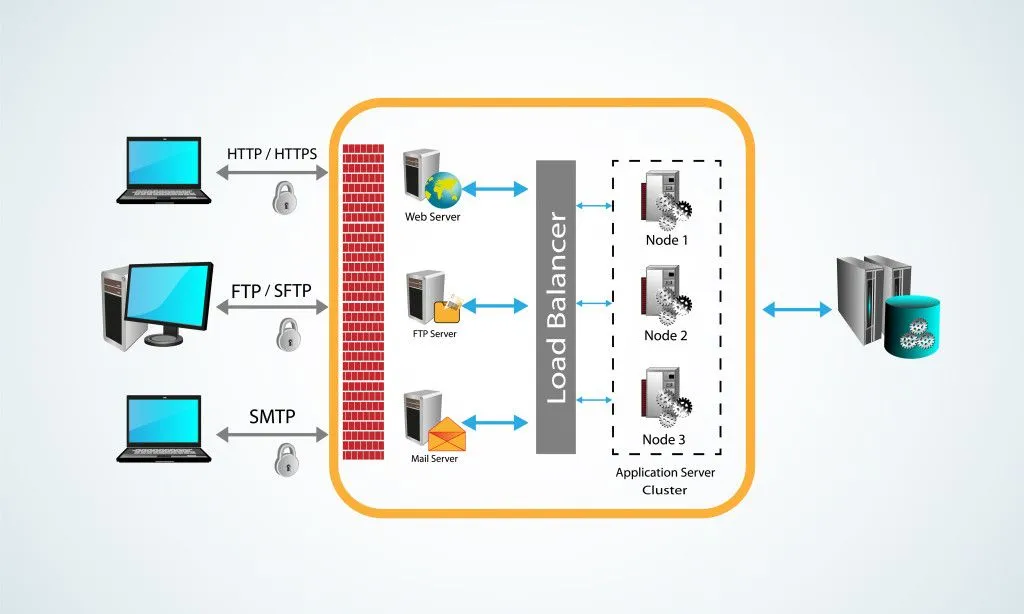
So, what’s really different between pausing and just losing a connection? Mechanically, not very much. In both cases, the TCP connection between your machine and the server is closed (the server doesn’t sit there politely holding it open for you). The difference is bookkeeping: a paused download remembers which file it was fetching, where it came from, and how many bytes have already been saved to disk, so it can stitch a new Range request together when you hit resume. That’s also why pausing a download doesn’t corrupt the partial file. The bytes already on your disk are exactly the bytes the server sent; resuming just appends the rest.
This is also why you can safely shut down your PC after pausing a download in something like Steam, Chrome, or the Epic Games launcher, as long as the app saved its progress to disk before shutdown. When you boot back up, the launcher reads its saved metadata, asks the server for a fresh Range starting from the last received byte, and continues. The only times resuming fails are when the file has been replaced on the server (so the server can no longer guarantee the new bytes match the old ones) or when the server flat-out doesn’t support Range requests, both of which force a restart from byte zero.
Another interesting tidbit: coders use a system called hashing as a final integrity check. A hash, like an MD5 or SHA-256 value, is a short fingerprint computed from a file’s contents; if even one byte is different, the fingerprint changes. After a download finishes, the client can compute the hash and compare it against the value the server published to confirm the file isn’t corrupted. Hashing doesn’t drive the resume process itself (that’s the Range header’s job), but it’s the safety net that proves the reassembled file is bit-for-bit identical to the original.
Can You Pause a Download and Turn Off Your PS5, PS4, or Switch?
Game consoles handle this slightly differently from a desktop launcher, and it trips a lot of people up. Instead of a hard power-off, a PlayStation 5 or PS4 has Rest Mode and a Nintendo Switch has Sleep Mode: a low-power standby state that keeps the console quietly connected so a download keeps running in the background instead of pausing at all.

On a PS5 or PS4, downloads only continue in Rest Mode if you switch on Stay Connected to the Internet (on the PS5, that lives under Settings > System > Power Saving > Features Available in Rest Mode)[7]. On a Switch, software and add-on content download in Sleep Mode as long as the console is connected to the internet, stays in range of the Wi-Fi router, and has enough free storage; if you use a wired dock, you also need to enable Maintain Wired Connection in Sleep Mode[8].
Fully powering the console down (not standby) is a different story. That closes the connection and stops the transfer, exactly like pausing on a PC. Nothing is lost, though: when you switch the console back on, it reads how many bytes it already saved and asks the server for a fresh Range starting from that point, so the download resumes rather than restarting. That is also why a console download sometimes shows Paused on its own. The usual culprits are the internet dropping out, the storage filling up, or the console leaving standby without Stay Connected turned on.
References (click to expand)
- RFC 768: User Datagram Protocol. IETF Datatracker
- GET method. MDN Web Docs
- HEAD method. MDN Web Docs
- 206 Partial Content. MDN Web Docs
- Bits and Bytes. Stanford University
- An Introduction to HTTP Basics. Nanyang Technological University
- How to set up auto-downloads and updates on PlayStation consoles. PlayStation Support
- Download Does Not Progress While in Sleep Mode. Nintendo Support